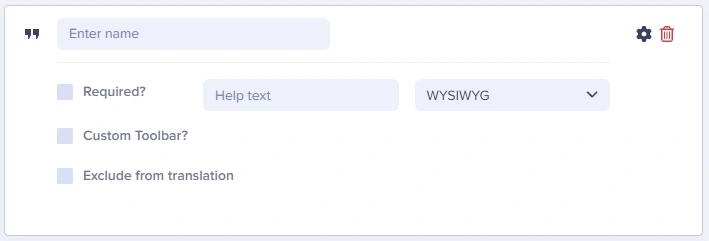
The ButterCMS WYSIWYG field provides a rich text editor with a configurable toolbar for articles, blog posts, and case studies — outputs HTML via the API.
Use WYSIWYG fields when editors need formatted text, embeds, or media inside a content field. The WYSIWYG field provides a fully-featured, rich text editor with formatting toolbar for articles, blog posts, case studies, and more.
Use the Custom toolbar configuration option to disable tools that don’t match the field’s intent. For example, a summary field may only need headings and bold, while a body field may include media and tables.