
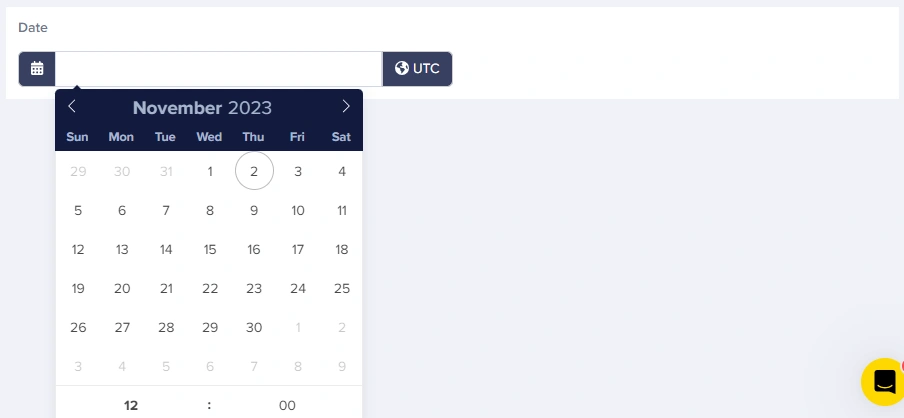
You can update your timezone in settings, but this doesn’t add timezone support to datetime fields. Instead, it changes the
updated and published fields on your Content Type objects from the default of UTC to whatever timezone you choose.Field at a glance
Input and output
Input type
Calendar picker with optional time input
API output
string (ISO 8601, no timezone)API response example
Date only
Date with time
Field configuration options
Common use cases
Publishing and scheduling
- Article publish dates
- Content expiration dates
- Scheduled release dates
- Review dates
Events
- Event start/end times
- Registration deadlines
- Session schedules
- Webinar times
Products and services
- Sale start/end dates
- Product launch dates
- Warranty expiration
- Subscription renewal dates
Content organization
- Historical dates (founding dates, milestones)
- Document effective dates
- Last updated timestamps
Best practices
- Use clear help text: Specify if editors should think in UTC or local time
- Handle timezone display: Convert to the user’s local timezone for display
- Validate future/past dates: Use your application logic to enforce date ranges
- Consider date libraries: Use libraries like date-fns or moment.js for complex formatting
- Store event timezones separately: For events with specific timezones, add a dropdown field for timezone selection
Working with dates in your application
- JavasScript
- Python
- Ruby
- PHP