> ## Documentation Index
> Fetch the complete documentation index at: https://buttercms.com/docs/llms.txt
> Use this file to discover all available pages before exploring further.
# Organization settings
> Learn how to manage your ButterCMS account settings, including your profile, password, and security preferences.
## Accessing your settings
To access your account settings:
1. Hover on your **profile icon** in the top-right corner of the dashboard
2. Select **Settings** from the dropdown menu
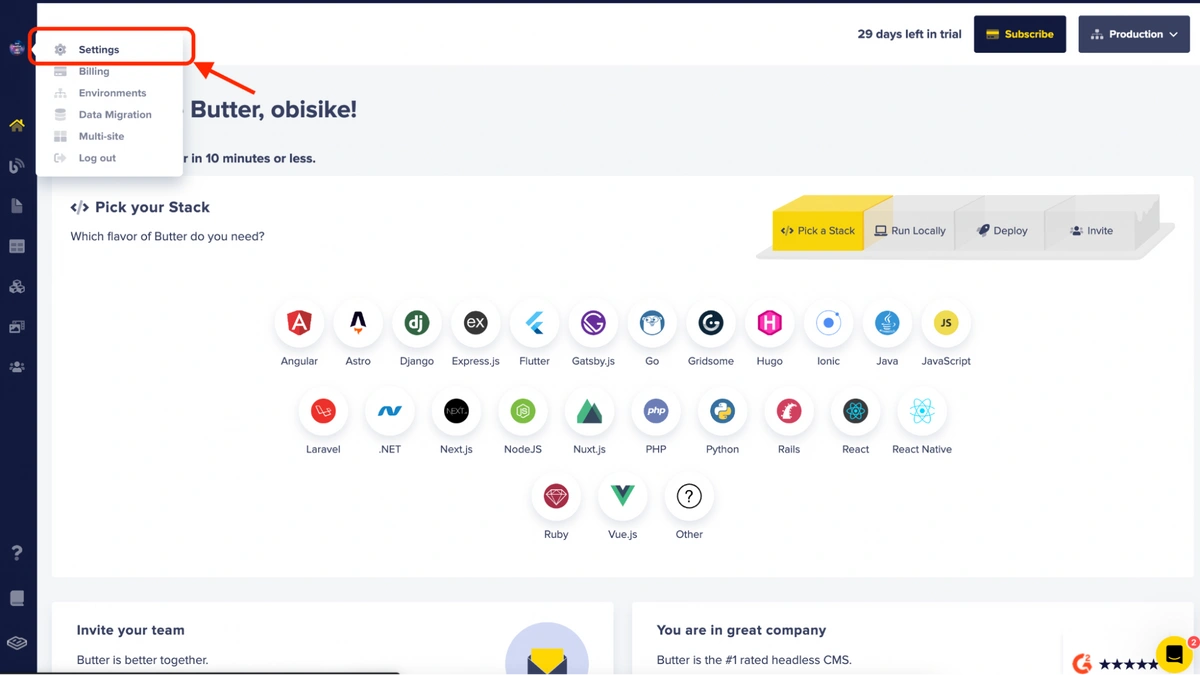
The account settings menu is for organization wide settings, and includes management options for:
* general settings, including timezone (for content updated/published/scheduled timestamps), API token access, and two-factor authentication access.
* third-party integrations, including storing API keys for external services
* blog settings for your ButterCMS Blog engine
* localization/locales settings
* configuring webhooks
* preview settings for in-app previewing of content changes
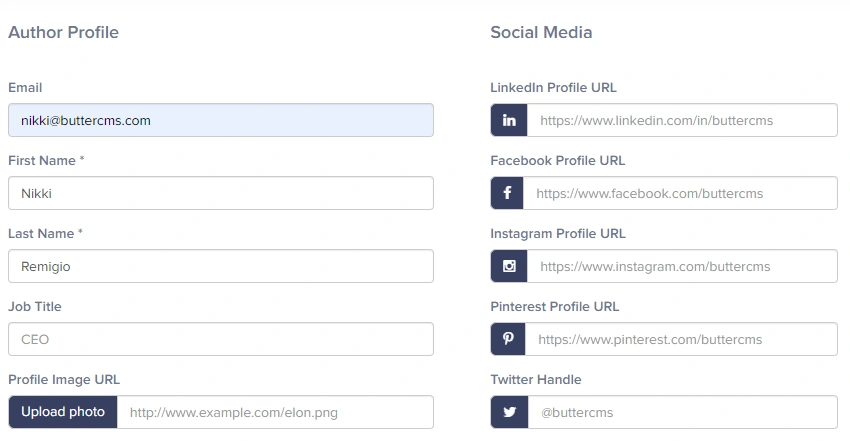
If you want to update your user profile, such as your name, job title, role, or permissions, please see the user management section, instead.
## Password management
For information on password requirements, resetting your password, and SSO password handling, see [Password authentication](../../create-content/authentication/password-authentication).
## Security settings
Learn how to enable and configure MFA for your account
Set up SSO with your identity provider (Enterprise)
## Frequently asked questions
No, this is not possible. Once an email is linked to an account, you can no longer change it. The best way to go about this is to add your new email as another user on your account, then have the old user profile removed.
Please send an email to [support@buttercms.com](mailto:support@buttercms.com) or chat with us to process this request for you. Account ownership transfers require verification and are handled by the ButterCMS support team.
Click on the **Users** tab from the main menu and then click on the profile of the user you would like to remove access for. Once their profile is displayed, remove the email address from their profile then click on the **Update User** button at the bottom.
{/* IMAGE_SOURCE: file_path="knowledge-base/how-to/account-users.md" */}